Marketing Toolkit
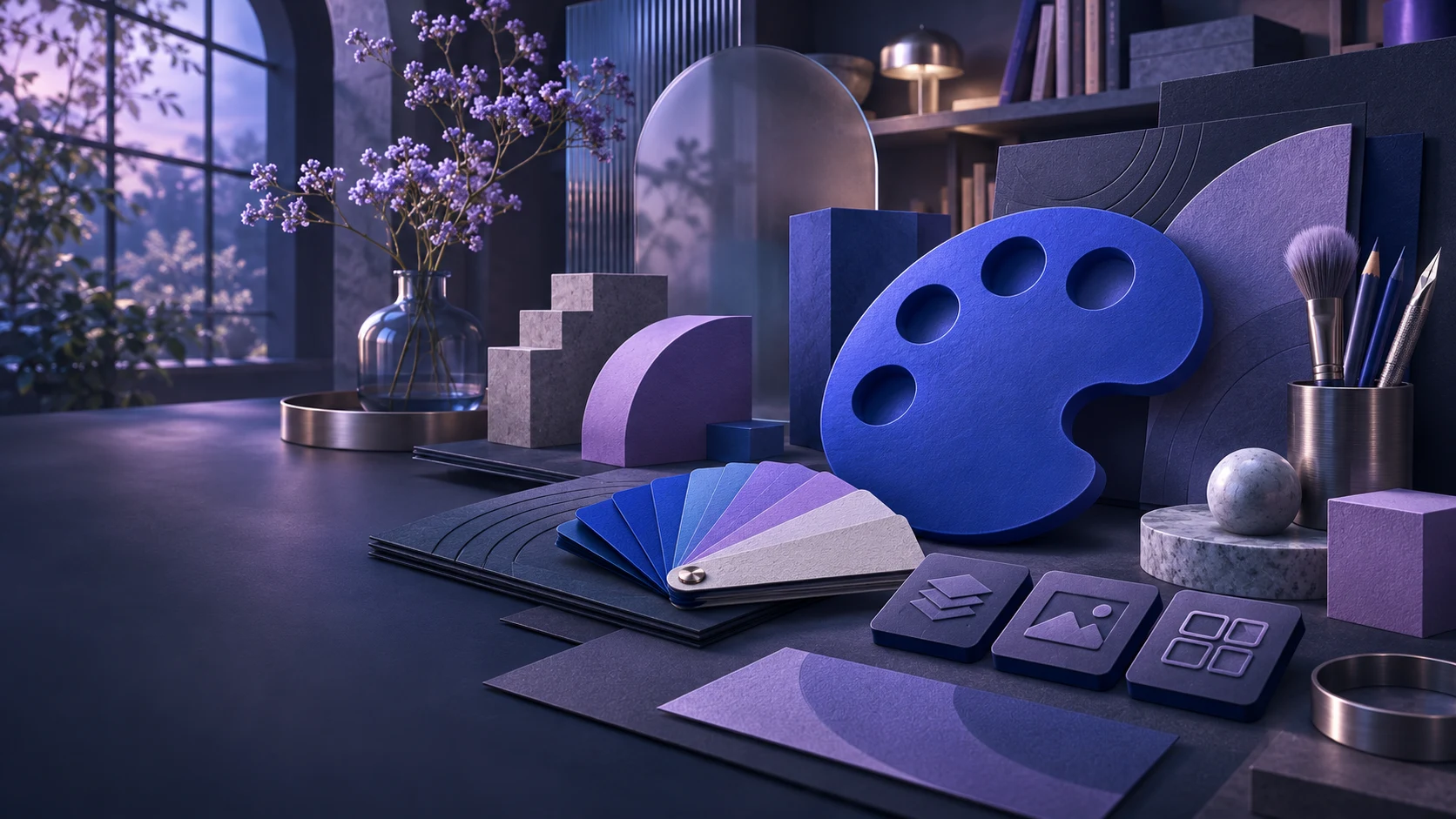
A quick brand idea sometimes starts with a colour and an icon. I bring those choices together for presentations, print and digital applications.
Explore the project- Product design
- Interface design
- React development
- Design systems
How can you quickly try a brand idea that remains useful beyond a single design?
- My choice
- Colour, icons and brand choices share one foundation. I carry that into the canvas editor, brandbook and QR tool.
- What you see here
- A React prototype with workspaces for iconography and layouts, plus a PNG export to view the result.
An initial brand idea
to start designing with.
I bring iconography, colour and layout together in one workspace, to quickly explore a visual direction and use it in print and digital work.
- CV & profile
- Presentations
- Flyers
- Brochures
- Brandbooks
- QR & data
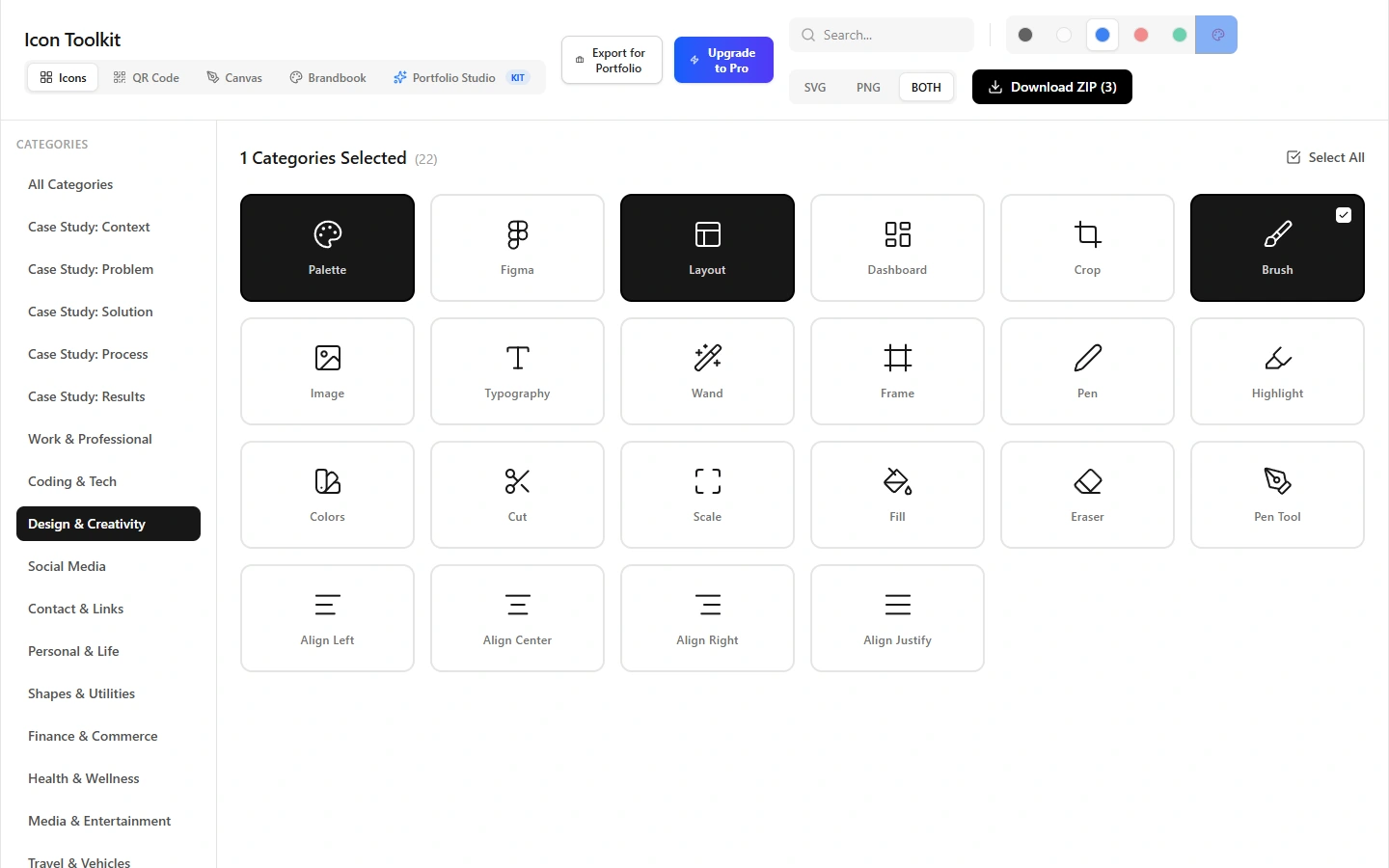
Starting with a visual direction.
Find a suitable icon set and choose a colour. I explore how these small decisions can quickly form the foundation of a brand idea.
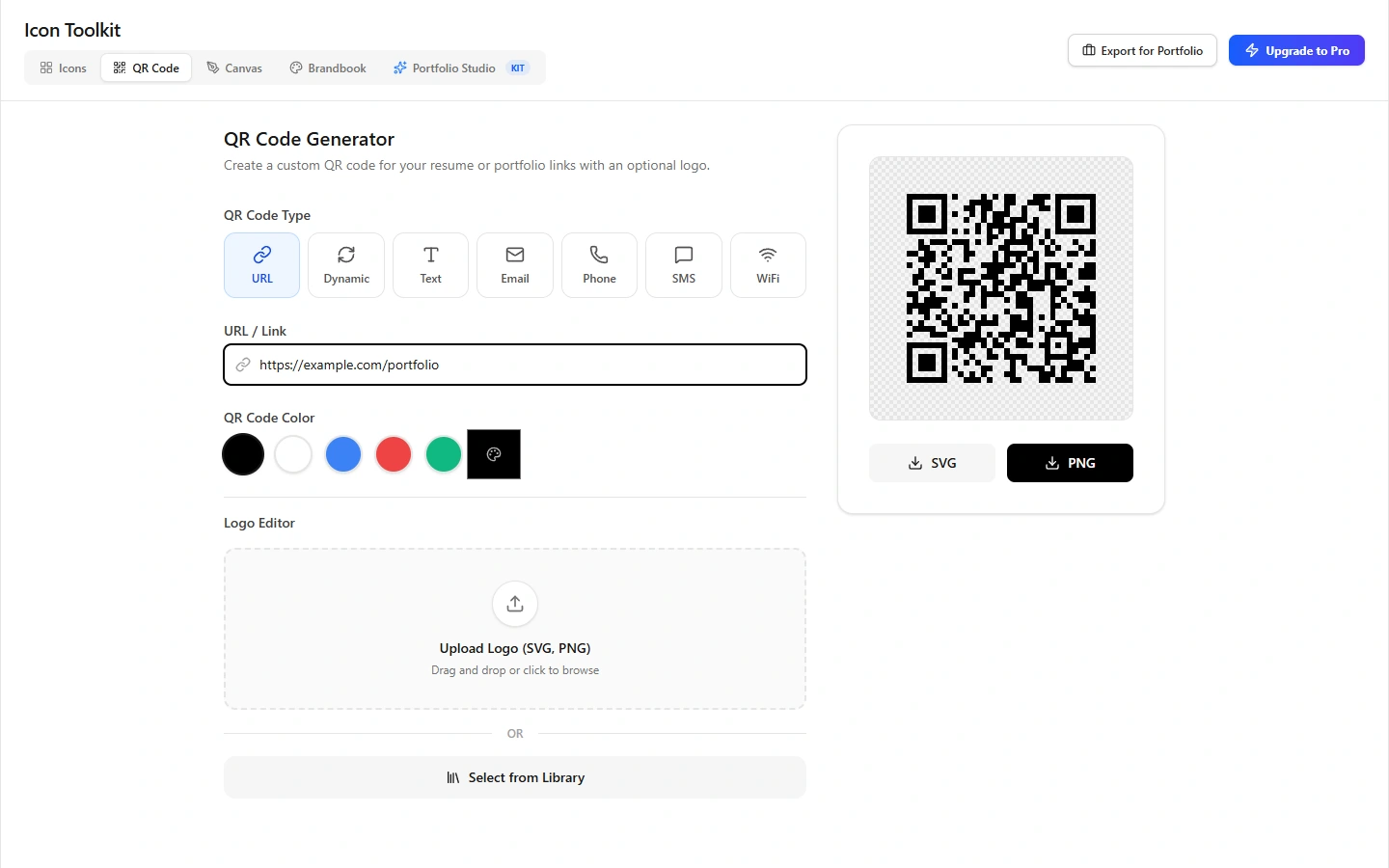
From print to a digital destination.
The current QR tool creates a code for a URL, with colour and logo options. Dynamic links and data are a future product direction.
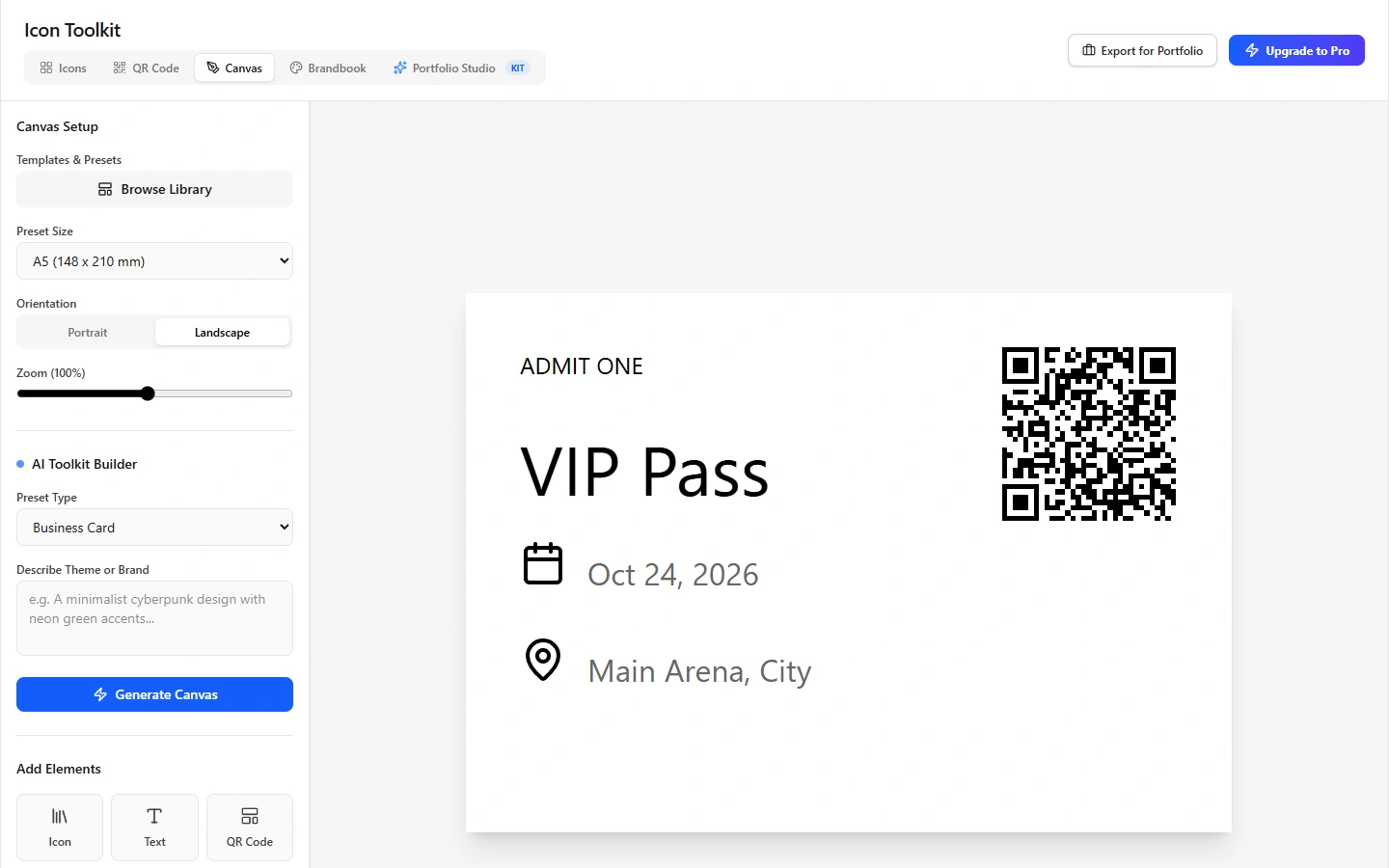
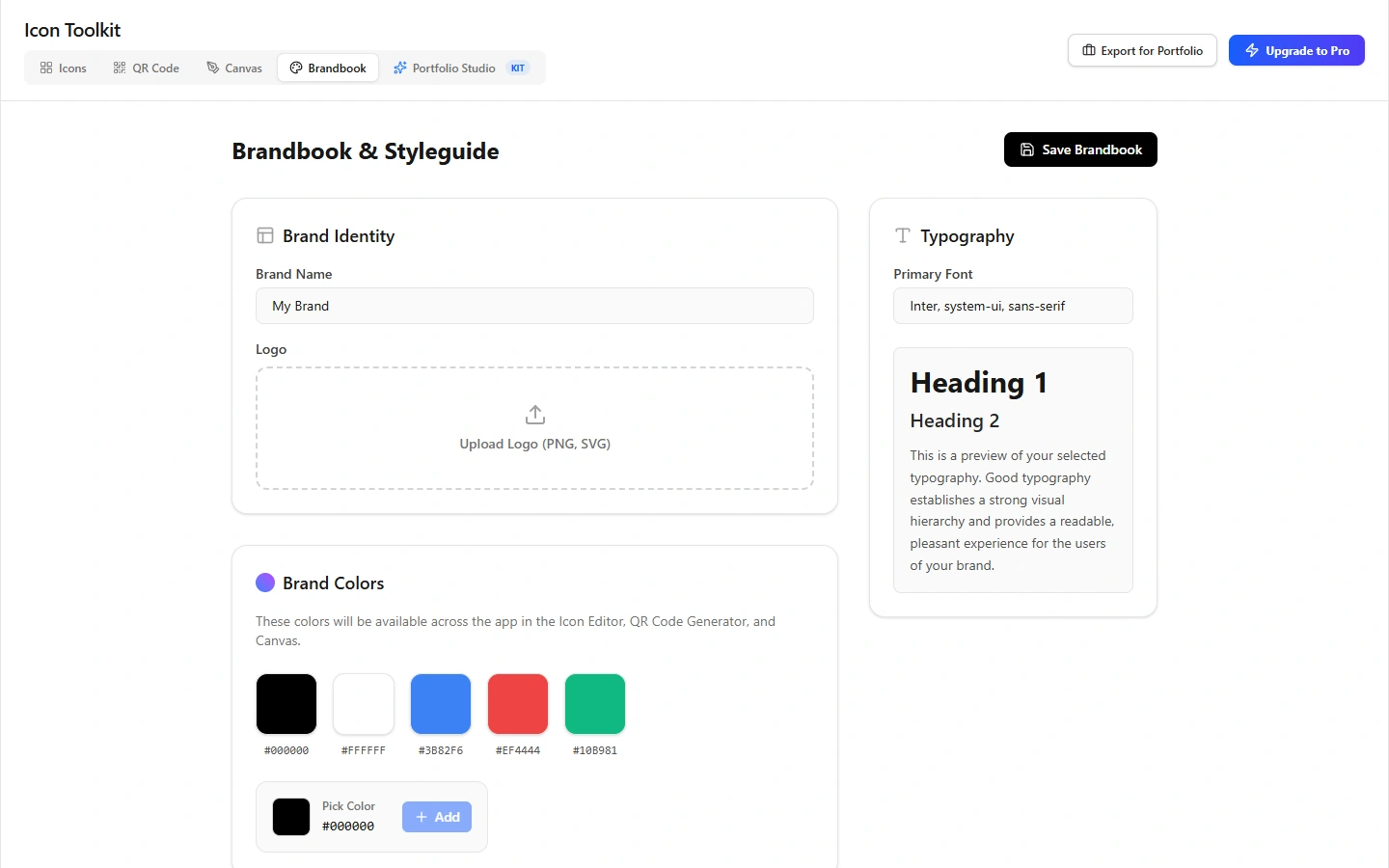
QR & dataThe current tool creates URL codes. Dynamic links and data are a future product direction.
My React prototype, with a PNG export to explore. Icon library: Lucide.
About this project
Trying a brand idea quickly
Putting a colour next to an icon can already suggest a direction. With Marketing Toolkit, I explore how to develop that first brand idea without constantly switching between separate tools. From a CV or presentation to a flyer, brochure or brandbook: the design choices should carry through.
The controls connect the tools
I am working on the product concept, interface and React prototype. The connection between the tools is my main design decision: colours from the brandbook are also available in the other workspaces, and selected icons can carry through to an export or document. The icon library uses Lucide.
The canvas offers space to try that foundation in a layout. The current ticket template and Portfolio Studio show the first applications. Presentations and marketing print broaden the direction beyond the original CV idea.
Connecting print and data
A QR code can connect a printed design to a digital destination. The prototype currently generates URL codes with colour and logo options. I want to explore this further with dynamic links and associated data; a connected tracking or data service is not part of this demonstration yet.
From prototype to product
The case shows the built frontend and a working PNG export. Accounts and payments have not been connected yet. Marketing Toolkit is the SaaS direction I am exploring with this design workspace.